 Growth
This page uses a tracking cookie to measure ad performance. You can accept or reject it. Either way, the page works exactly the same.
No Tech Skills Needed
If you can use WhatsApp, you can do this. Here's exactly what happens, screen by screen, from start to a live page.
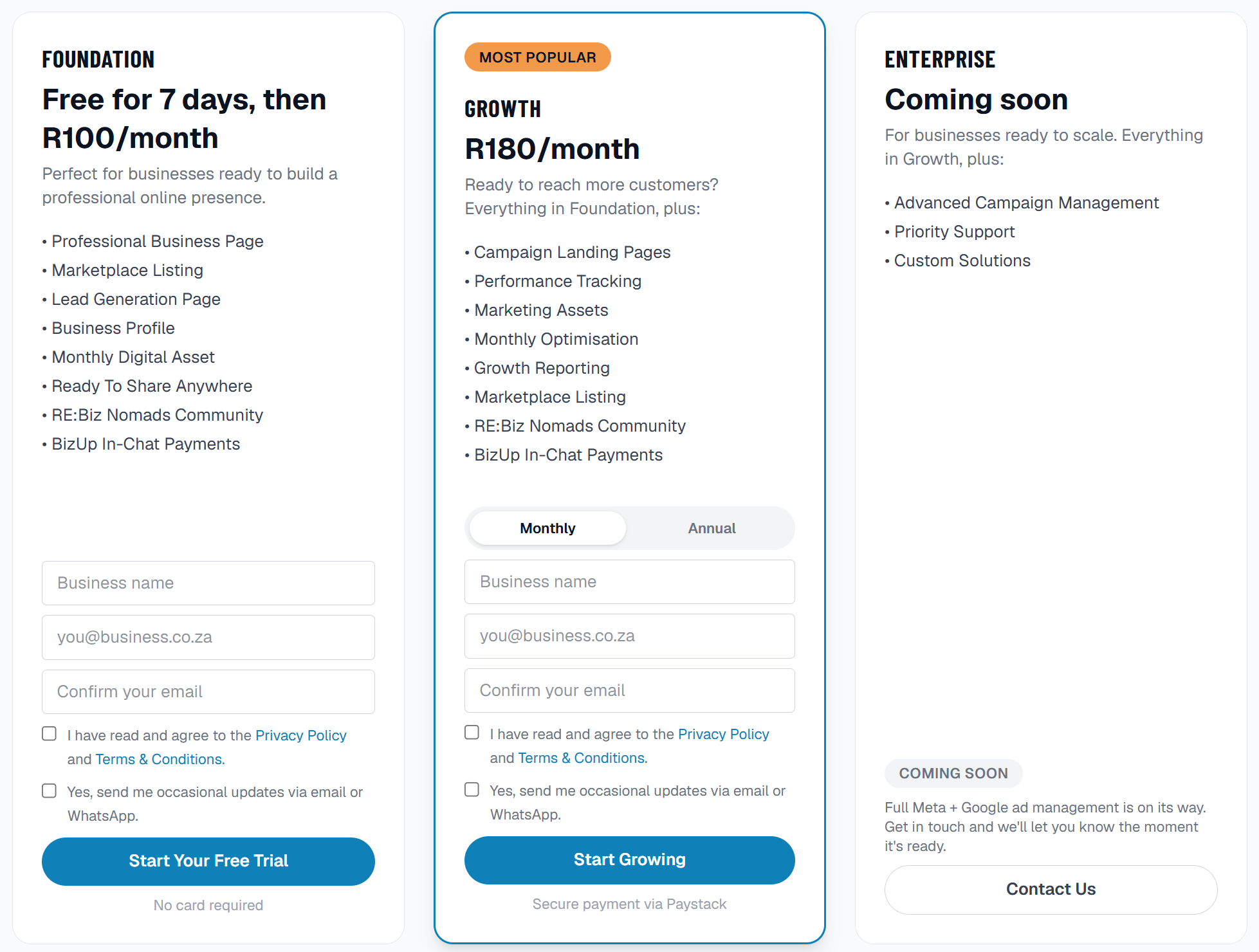
Pick The Plan That Fits Today
Choose Foundation or Growth. Foundation is completely free for your first 7 days, no card needed. You're never locked in, change your mind any time.
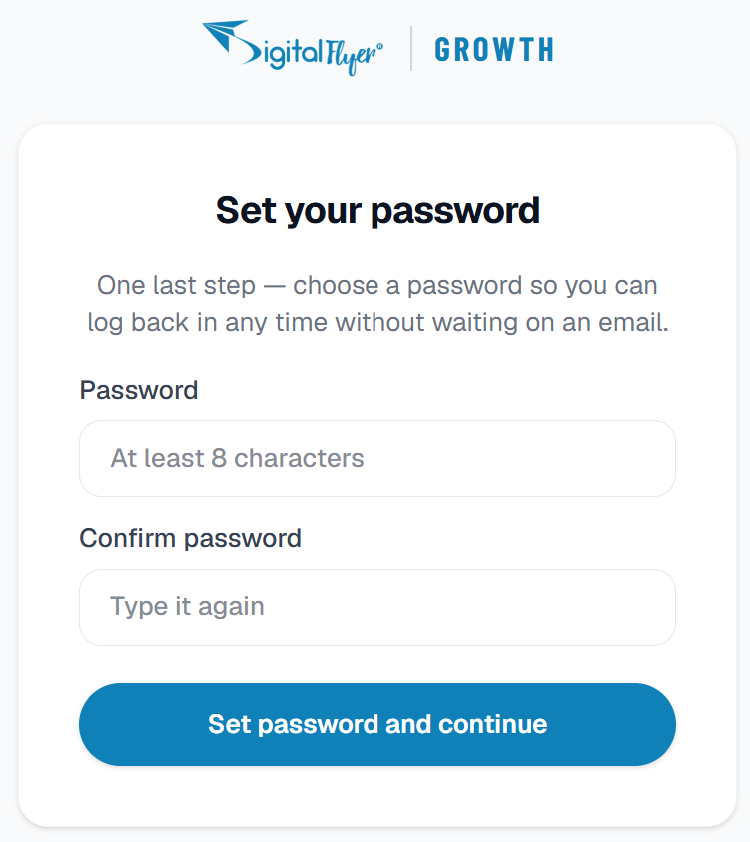
Check Your Email & Set A Password
Straight after you sign up, an email arrives with a link to finish setting up. Tap it, choose a password, and you're in, no waiting around, no confusing codes to copy.
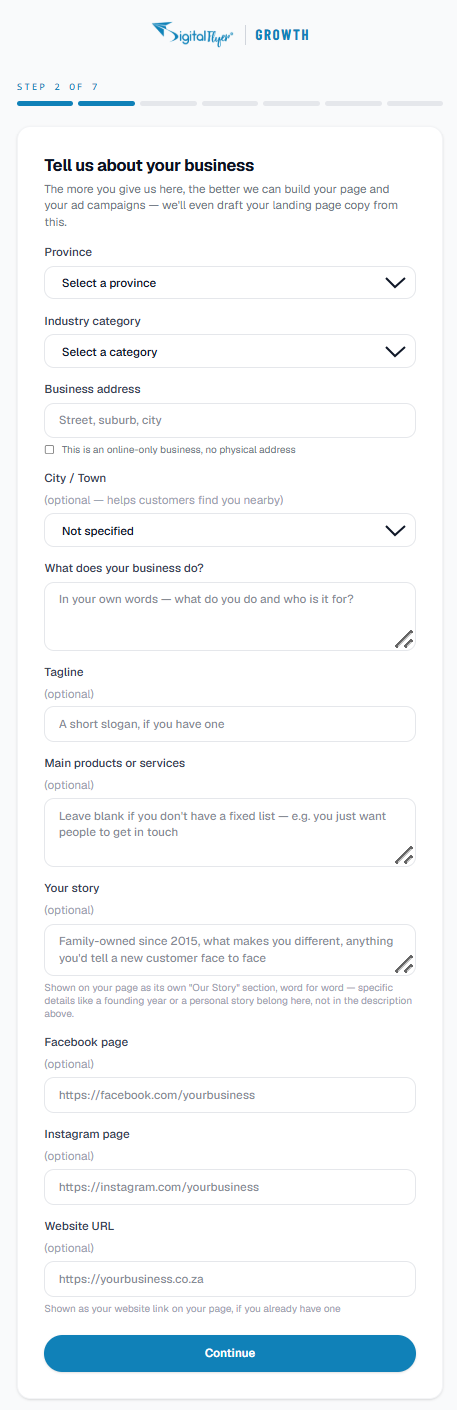
Tell Us A Bit About Your Business
A short, friendly form. Your business name, what you do, where you're based, how customers can reach you. Nothing complicated, and you can always come back and change it later.
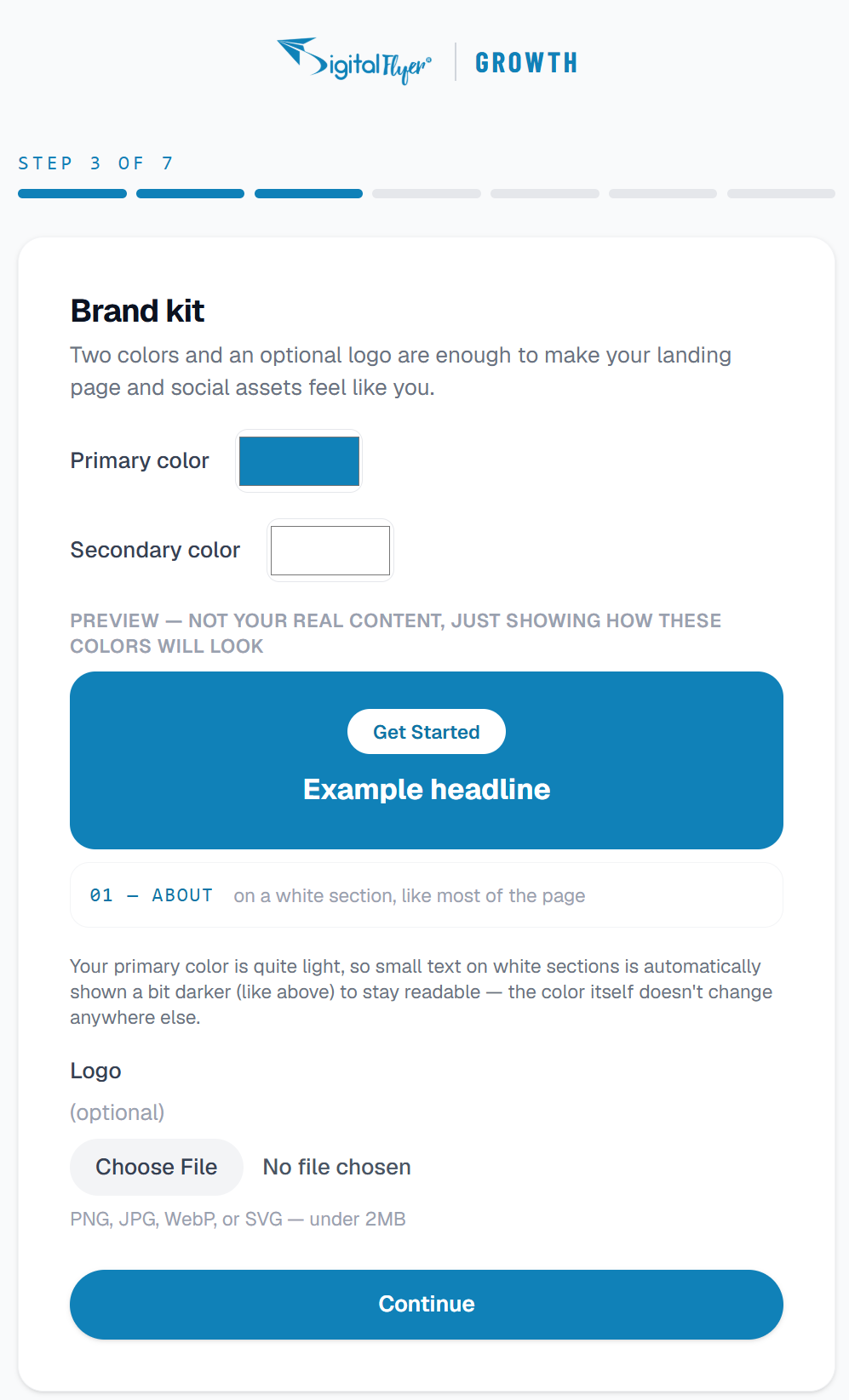
Add Your Brand Colours
Pick two colours that match your business, and upload your logo if you have one. Don't have a logo yet? Skip it, no problem at all.
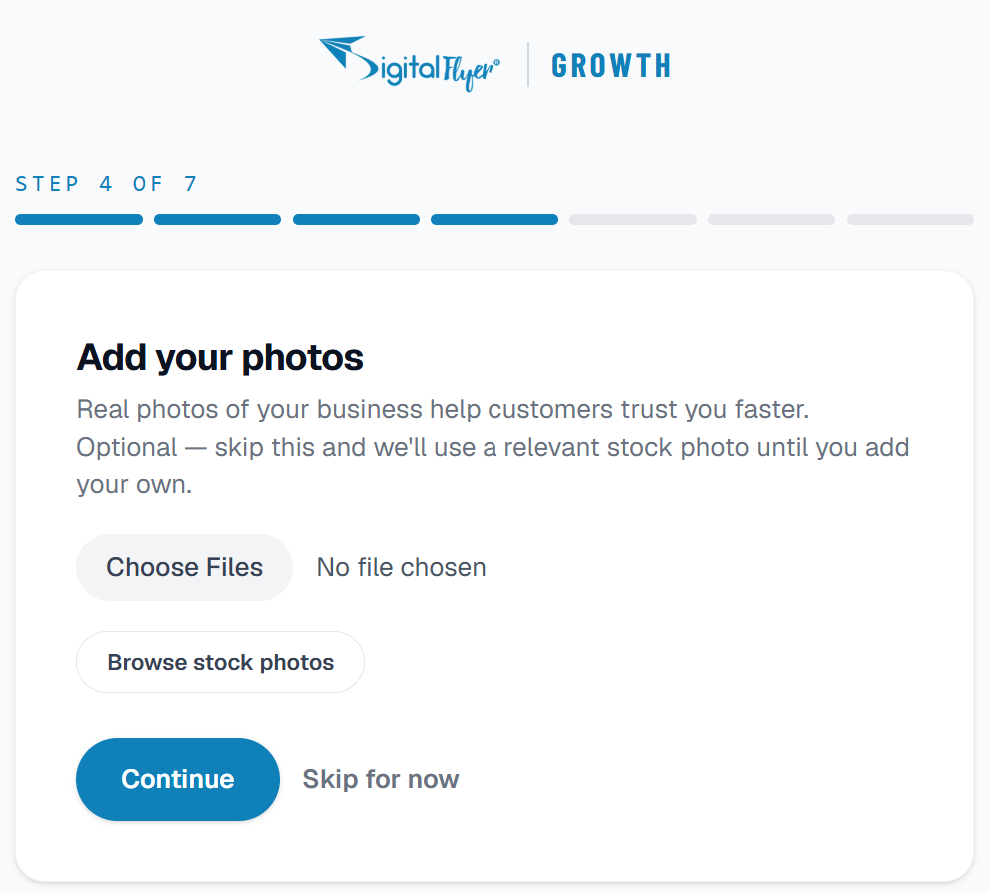
Add Your Photos
Real photos of your business help customers trust you faster. Upload your own, or search thousands of free stock photos right there if you don't have any yet, either way works.
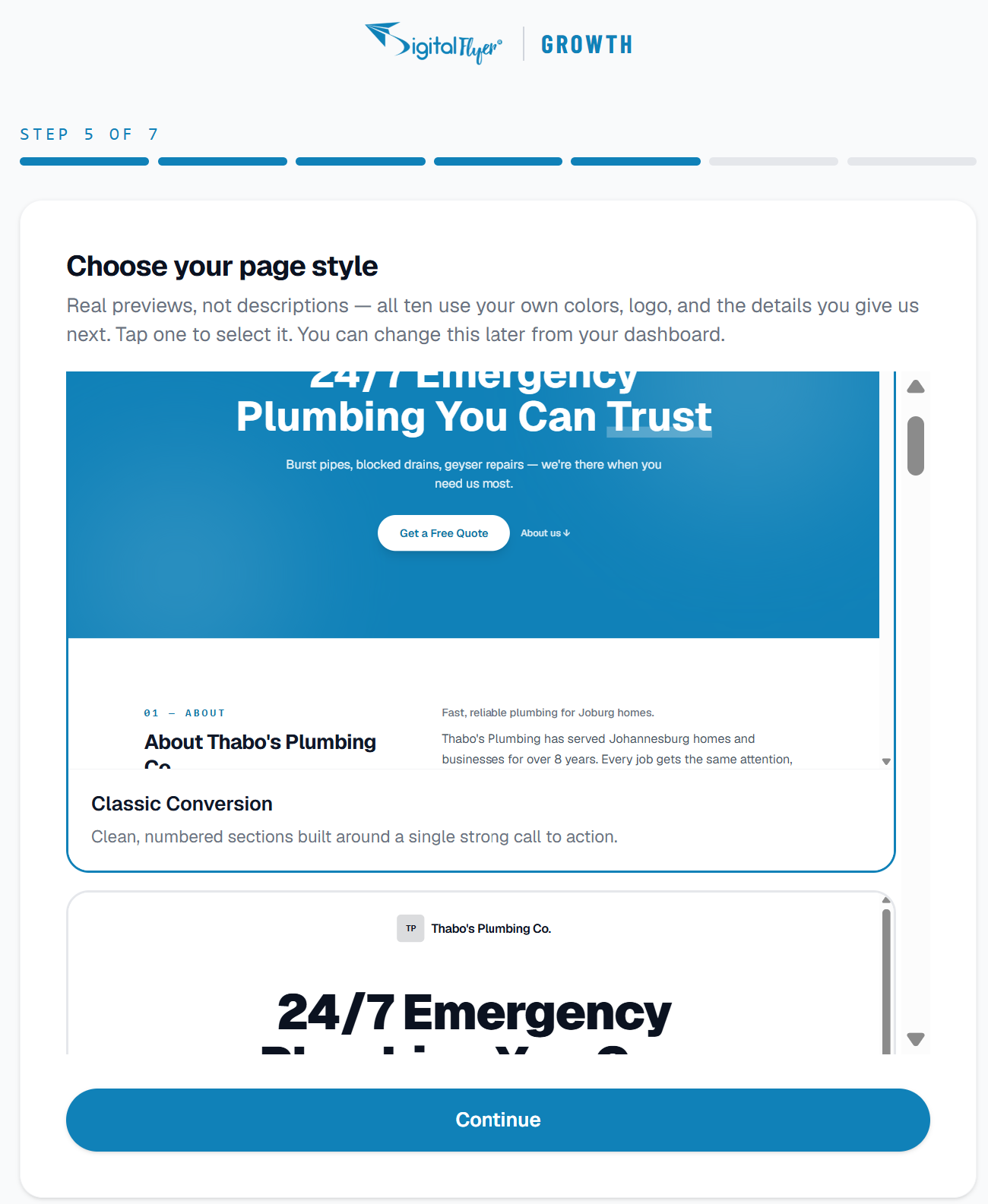
Choose Your Page Style
Browse real, ready-made designs, already using your own colours and logo, and tap the one you like. Change your mind later any time from your dashboard.
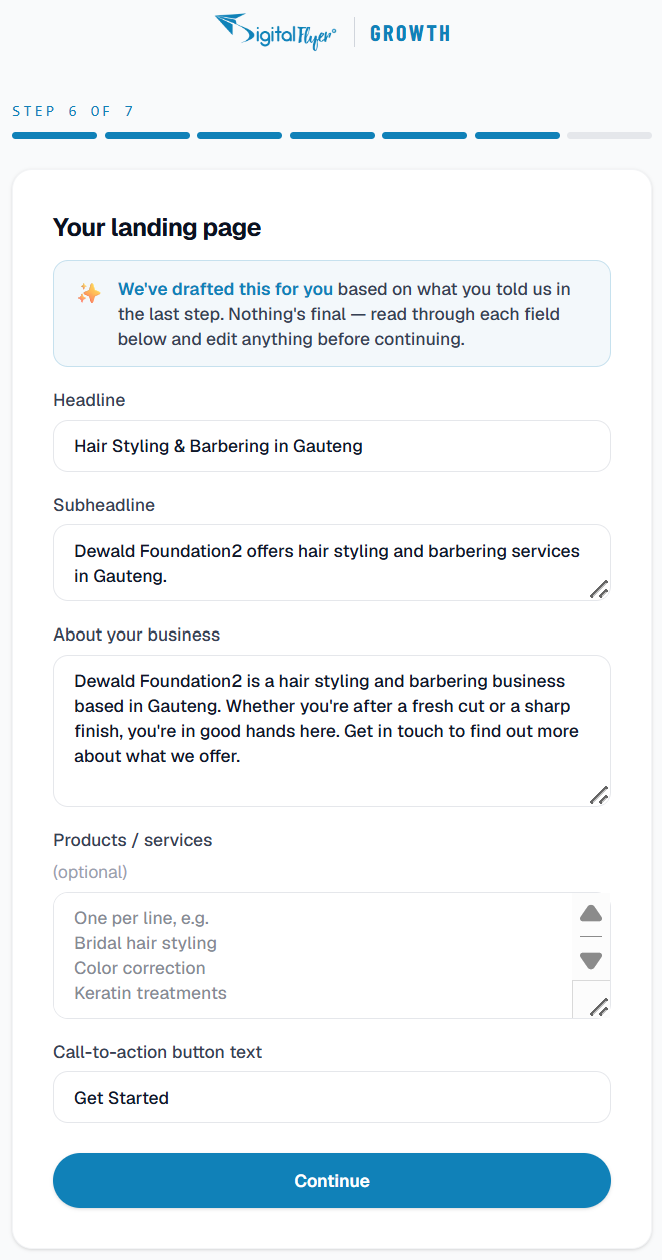
Add A Few Words About What You Do
Tell customers what makes you worth choosing. Stuck for the right words? We'll write a first draft for you automatically, you just read it over and make it sound like you.
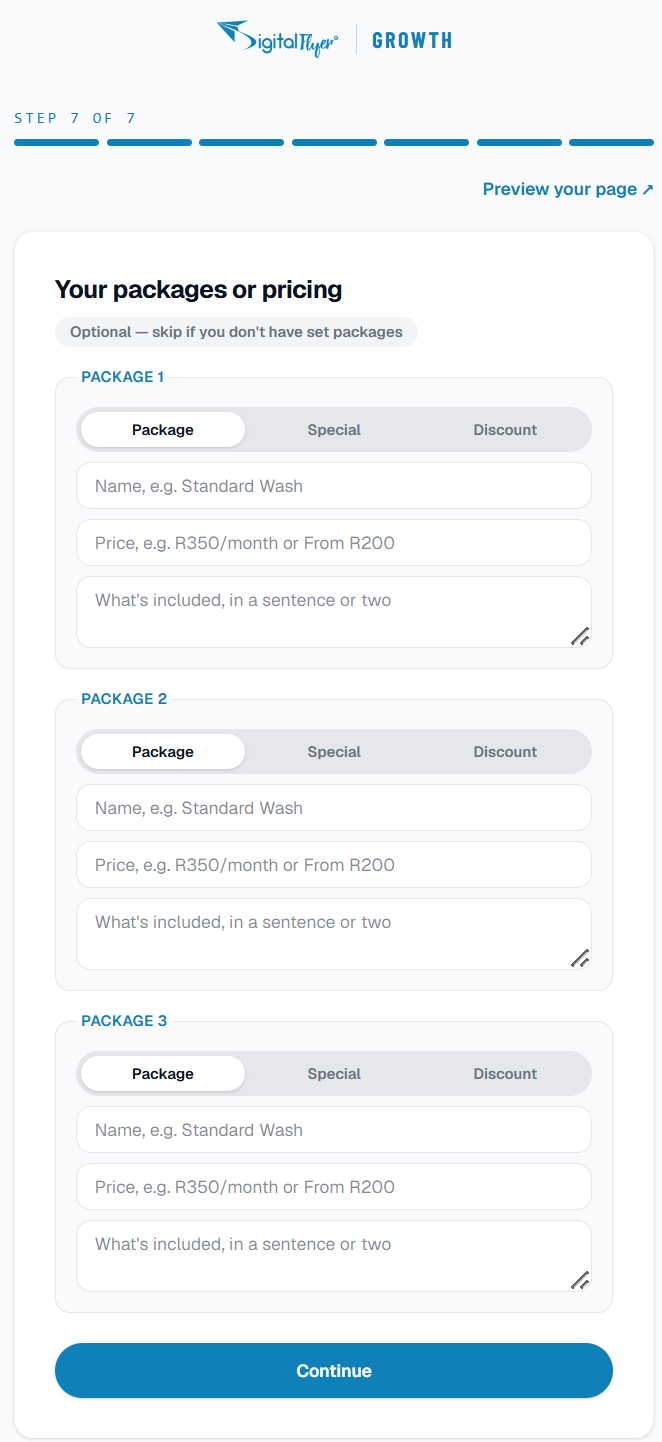
Add Your Packages (Optional)
Have set prices, service packages, or a special offer running? Add up to three. Don't have a fixed price list? Skip this too, plenty of businesses do, and you can always add some later.
You're Live!
On Foundation, there's nothing to pay today, your page is live immediately. You'll get one more email with your actual page link, ready to share on WhatsApp, Facebook, anywhere.
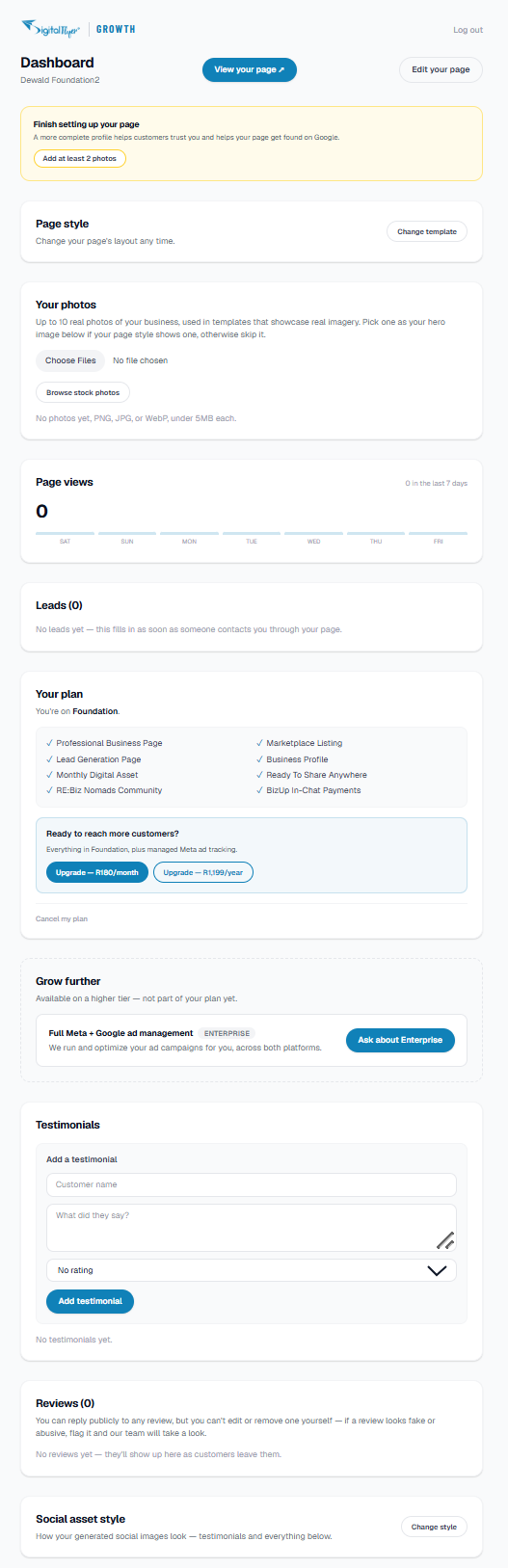
Your Dashboard, Whenever You Need It
This is where you'll come back to: edit anything, add customer reviews, download ready-made social media posts, and see who's been visiting your page. Log in any time, nothing to remember or install.
Take Bookings Or Sell Products, Right From Your Page
Two extra tools available to Growth members from your dashboard, no separate setup, no separate login.
Booking
A real appointment, rental, or slot calendar built into your page. Visitors see live availability and book directly, no double-bookings, no back-and-forth messaging.
Shop
A product catalog and cart built into your page. Add products one at a time or upload many at once, with real stock tracking so you never oversell.
Switch either one on any time from your dashboard. See the full FAQ →
Ready To See It For Yourself?
Start free, no card needed. You'll be live in about 10 minutes.
Start Your Free Trial